ARSA Language
2.8
(Encryption, GPU and Web 3.0)
Creating a simple Pacman style game in ARSA Language.
Table of Contents
1. Introduction
2. Create Player
3. Move Player Code
4. Create Enemy
5. Collision Detect
6. Reset Code
7. Win!
8. SourceCode
9. Next! Advanced a Pacman clone game.
This tutorial will show you about simple a Pacman clone game.
1. Introduction
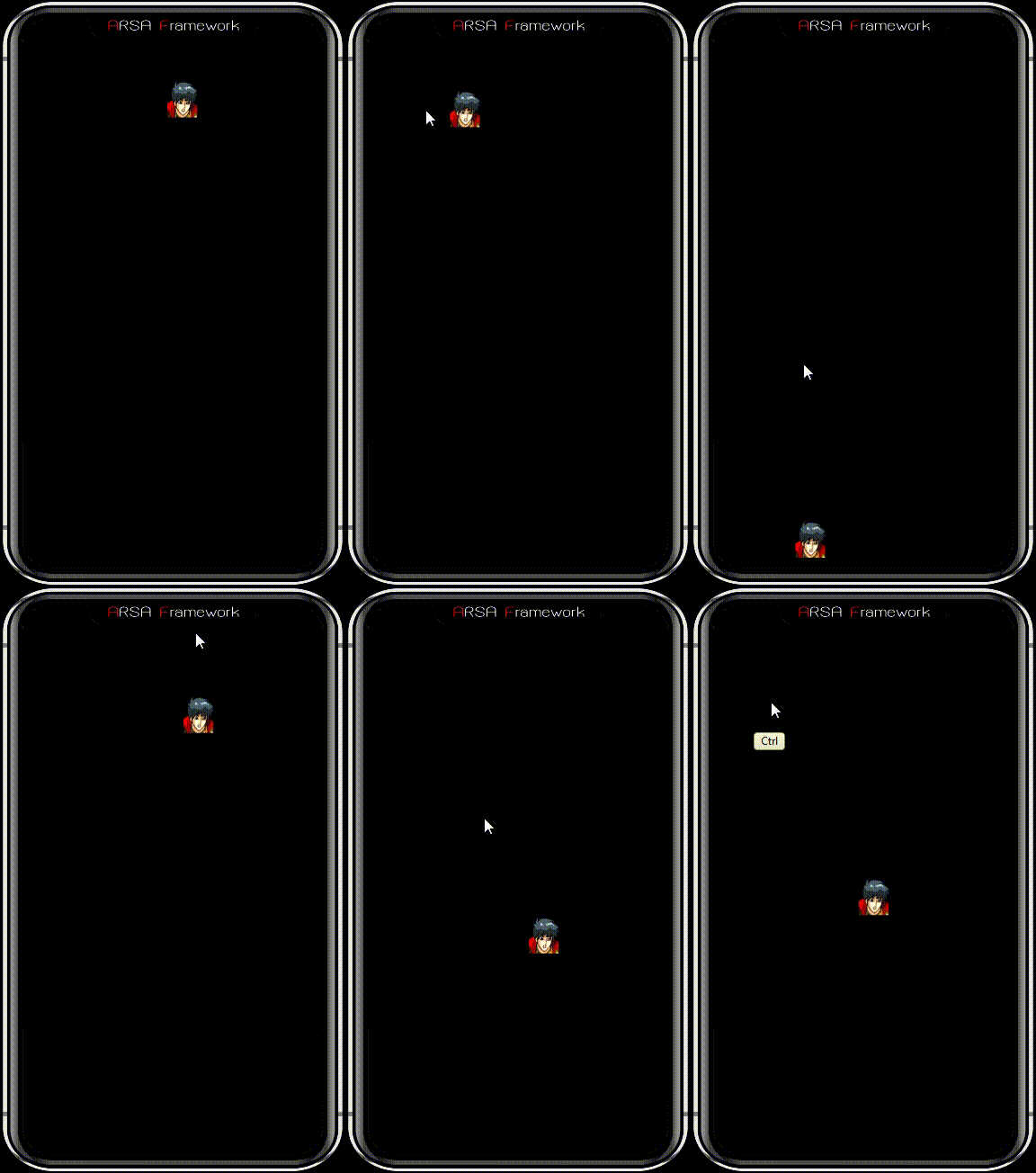
Player can control by touch screen and also moving to hit enemy on screen!
2. Create Player
New a PSD file size is 640x960 px, 72 pixel/inc, 8 bit/channels.
New layer and rename to "mu" (remove quote before put in layer).
Drawing and Coloring a original character on Photoshop canvas (in "mu" layer).
Save and drag PSD file in ARSA Studio for preview.
3. Move Player Code
Put below code in Photoshop layer or external code.
touch
(
"isleft"
,
move
(
"mu"
,-500,0))
touch
("isright",
move
("mu",500,0))
touch
("isup",
move
("mu",0,-500))
touch
("isdown",
move
("mu",0,500))
4. Create Enemy
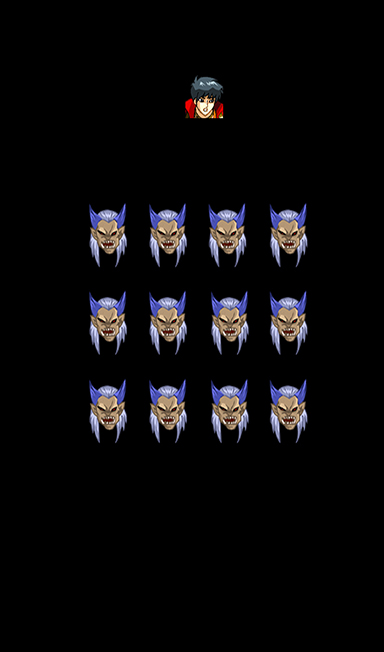
New layer and rename to "boss" (remove quote before put in layer).
Drawing and Coloring a original "boss" character on Photoshop canvas (in "boss" layer).
Clone (Alt+Drag and Drop) "boss" layer in 11 times.
Save and drag PSD file in ARSA Studio for preview.
5. Collision Detect
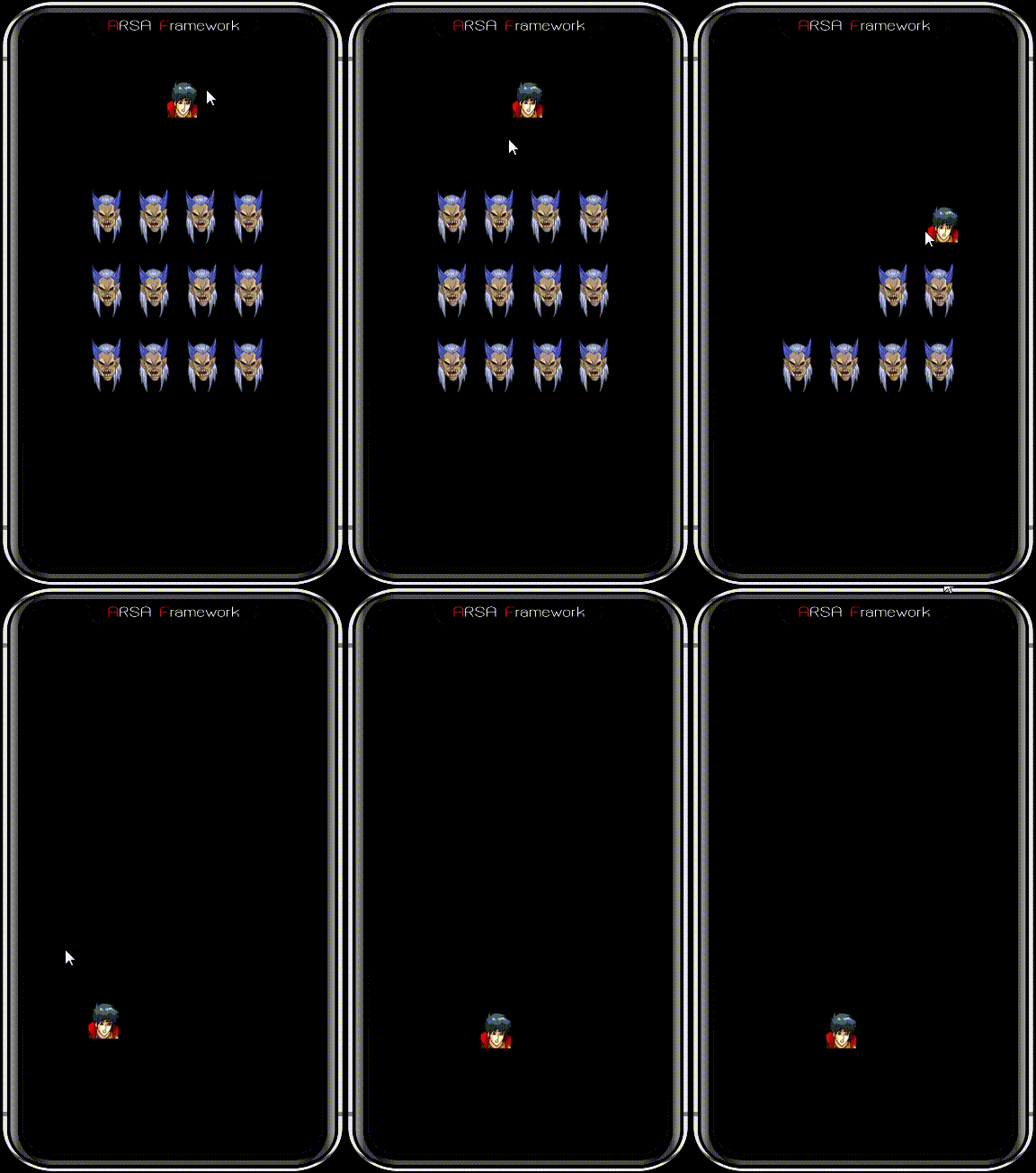
New layer and write a code with collision detect by
hitlayer()
function:
hitlayer
(
"mu"
,
"boss"
,
visible
(
false
,
null
))
6. Reset Code
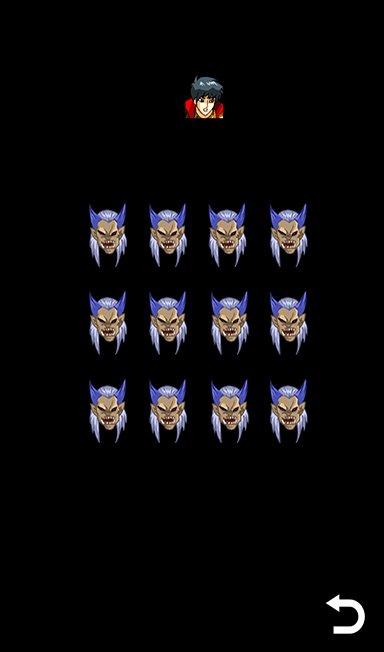
New layer and rename to "reset" (remove quote before put in layer).
Drawing and Coloring a original "reset" icon on Photoshop canvas (in "reset" layer).
New layer and write a reset enemy code when User touch reset layer:
touch
(
"release"
,
"reset"
,
visibleall
(
true
,boss))
7. Win!
If player hit all enemy and it gone from screen then display text Win on center of screen!
!
isvisibleall
(
"boss"
,
text
(280, 450,
"Win!"
))
8. SourceCode
pacman.txt
screensize
(640,960)
// universal resolution
// moving player
touch
("isleft",
move
("mu",-500,0))
touch
("isright",
move
("mu",500,0))
touch
("isup",
move
("mu",0,-500))
touch
("isdown",
move
("mu",0,500))
hitlayer
("mu","boss",
visible
(false,null))
// collision detect
touch
("release","reset",
visibleall
(true,boss))
// reset button
!
isvisibleall
("boss",
text
(280, 450, "Win!"))
// show win
9. Next! Advanced a Pacman clone game.
Next tutorial will show you in advanced a Pacman clone game:
Creating advanced Pacman style game in ARSA Language.
Generated on Sat Mar 8 2025 00:49:10 for ARSA Language by
1.8.15




 1.8.15