ARSA Language  2.8
(Encryption, GPU and Web 3.0)
Creating advanced Pacman style game in ARSA Language.

1. Introduction

  1. This tutorial will show you in advanced a Pacman clone game. User should learn Creating a simple Pacman style game in ARSA Language. already.
  2. We use TUFont-bold.ttf is default font.

2. Score Code

  1. Declare score variable at init function:
    {
    int($score,0)
    }function(init)
  2. Change hit layer code:
    {
    visible(false,null)
    add($score, 10) // 1 enemy = 10 scores
    }function(hit)
    hitlayer("mu","boss",function(hit))
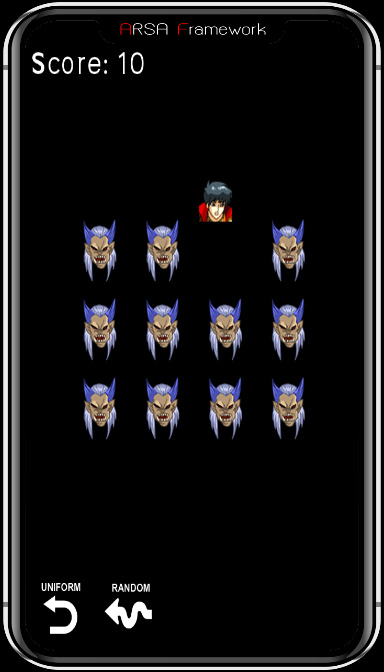
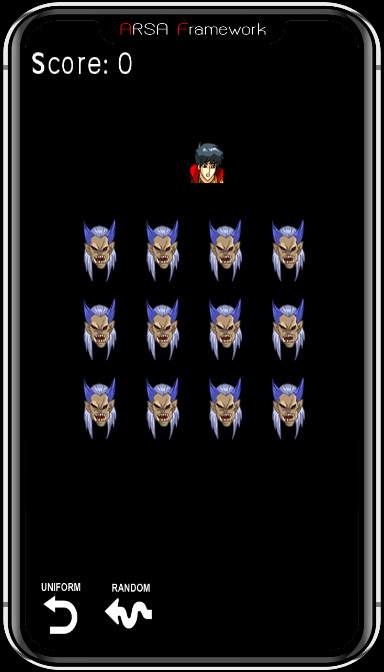
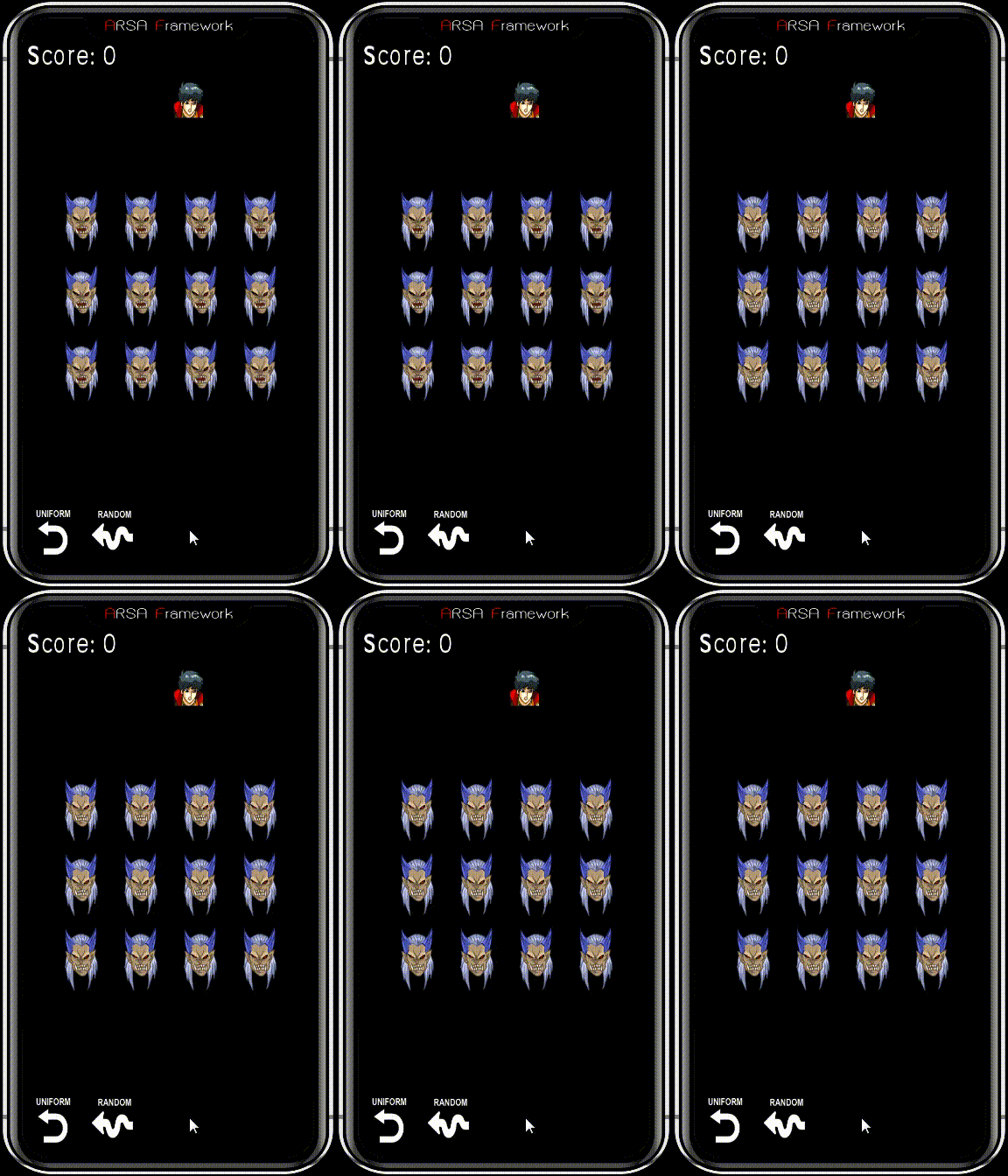
  3. Show score on screen with TUFont-bold.ttf on size = 50 pixel:
    text("TUFont-bold.ttf", 50, 10, 30, Score: $score)

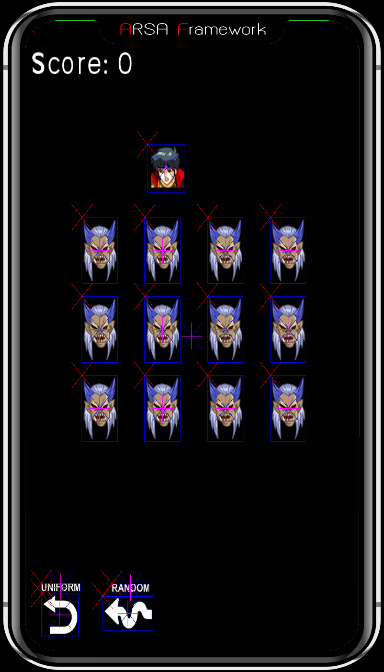
3. Uniform and Random Reset

  • Uniform reset, algorithms: loop all enemy layers and calculate a new position:
// reset uniform 4x3
{
visible(true,null) // visible enemy layer
set($px,$x+($i*$step)) // calculate x pos
set($py,$y+($j*$step)) // calculate y pos
pos(null, $px,$py) // set position from current layer
add($j,1) // add row by 1
if($j>2) proc( add($i,1) >> set($j,0) ) // row > 2 then reset row (j) and go to next column (i)
if($i>3) set($i,0) // column > 3 then reset to 0
}function(enemy_uniform)
{
set($score,0) // reset score
int($i,0) // column enemy, local var
int($j,0) // row enemy, local var
getlayerall( "boss", function(enemy_uniform) )
}function(reset_uniform, $x, $y, $step)
touch(release,reset,function(reset_uniform, 95, 300, 130))
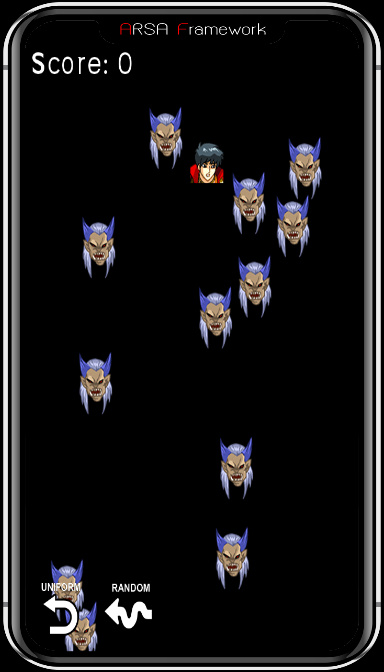
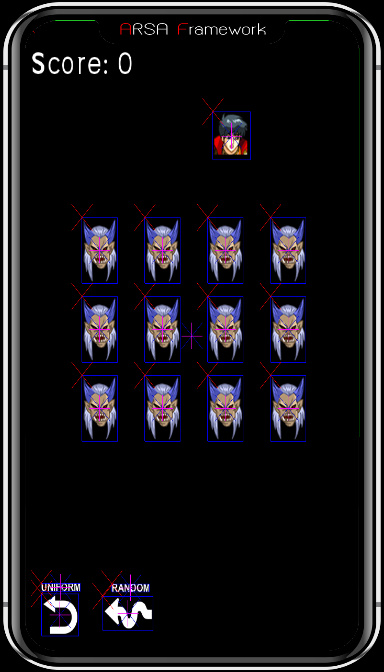
  • Random reset:
// reset random position
{
visible(true,null) // visible enemy layer
set($x,random(0,540)) // random x pos
set($y,random(120,892)) // random y pos
pos(null,$x,$y) // set position from current layer
}function(enemy_random)
{
set($score,0)
getlayerall(boss, function(enemy_random))
}function(reset_random)
touch(release,random,function(reset_random))

4. Head Flip Code


5. Animate Code

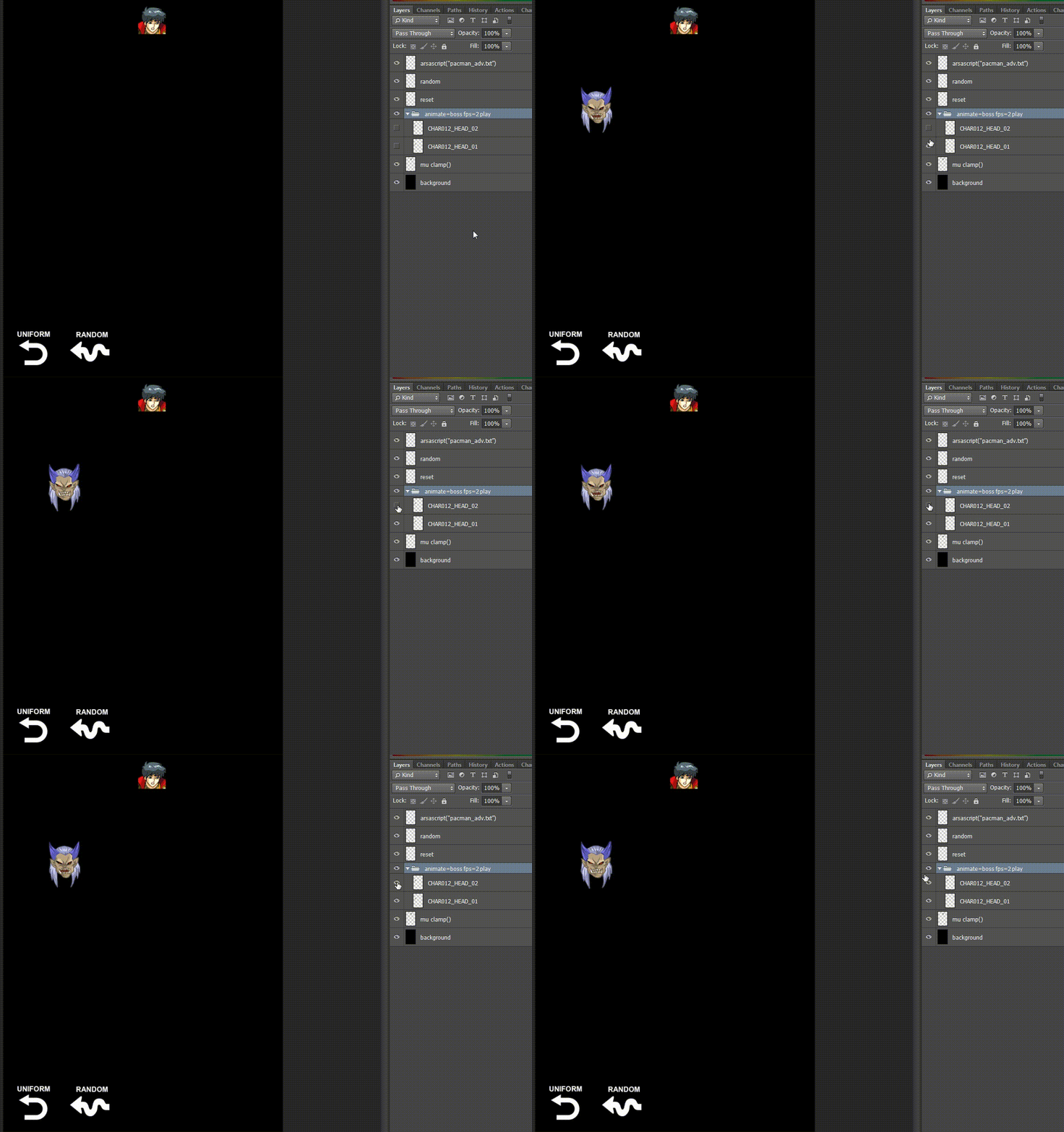
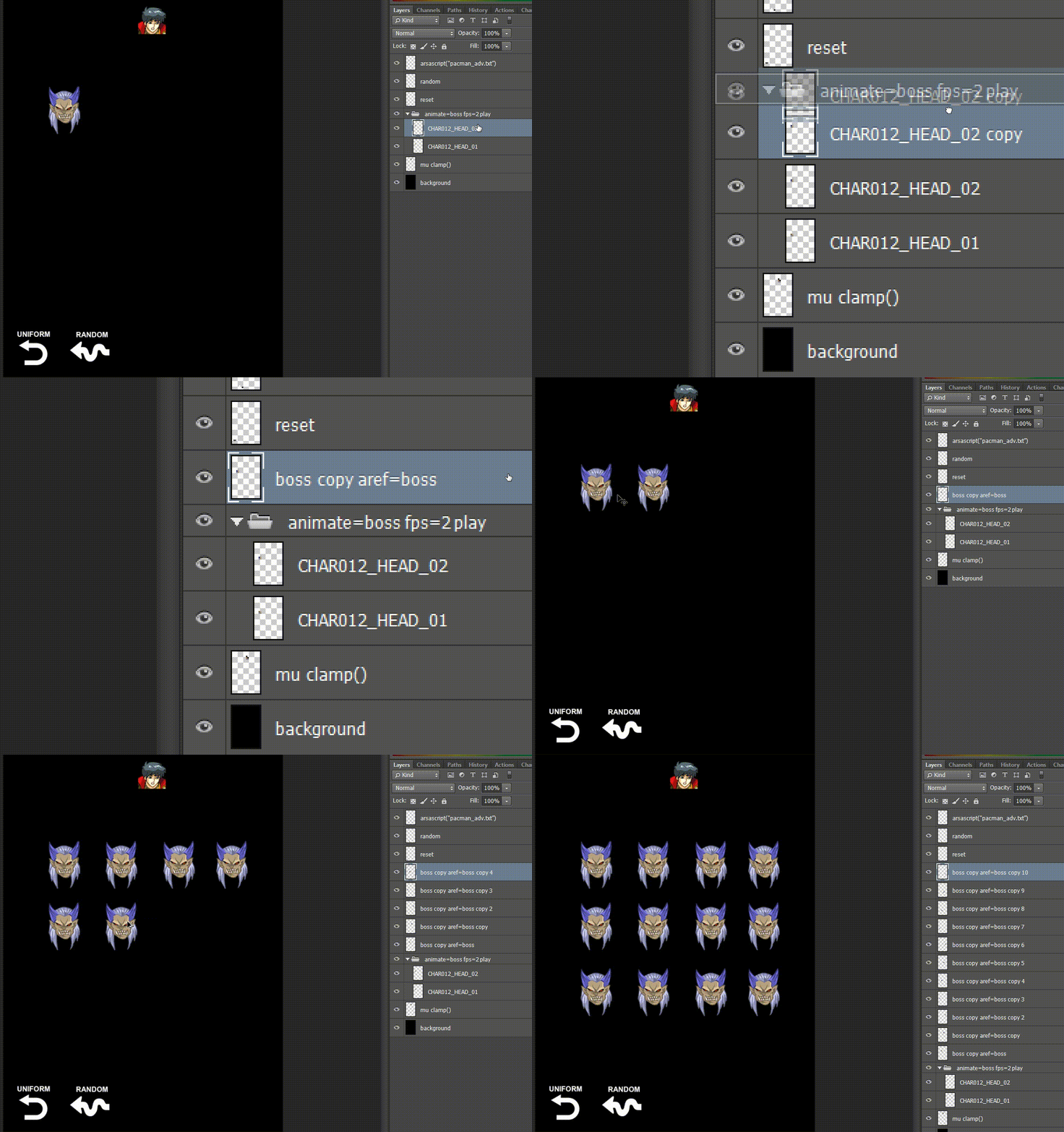
  1. Create animate enemy with 2 frame and define name is boss.
  2. Duplicate animate layer be an alias of a new clone layer and also rename to any name with "boss" prefix, Duplicate at an alias layer again (alt+drag and drop) to new position that you want.

6. Start Game Page

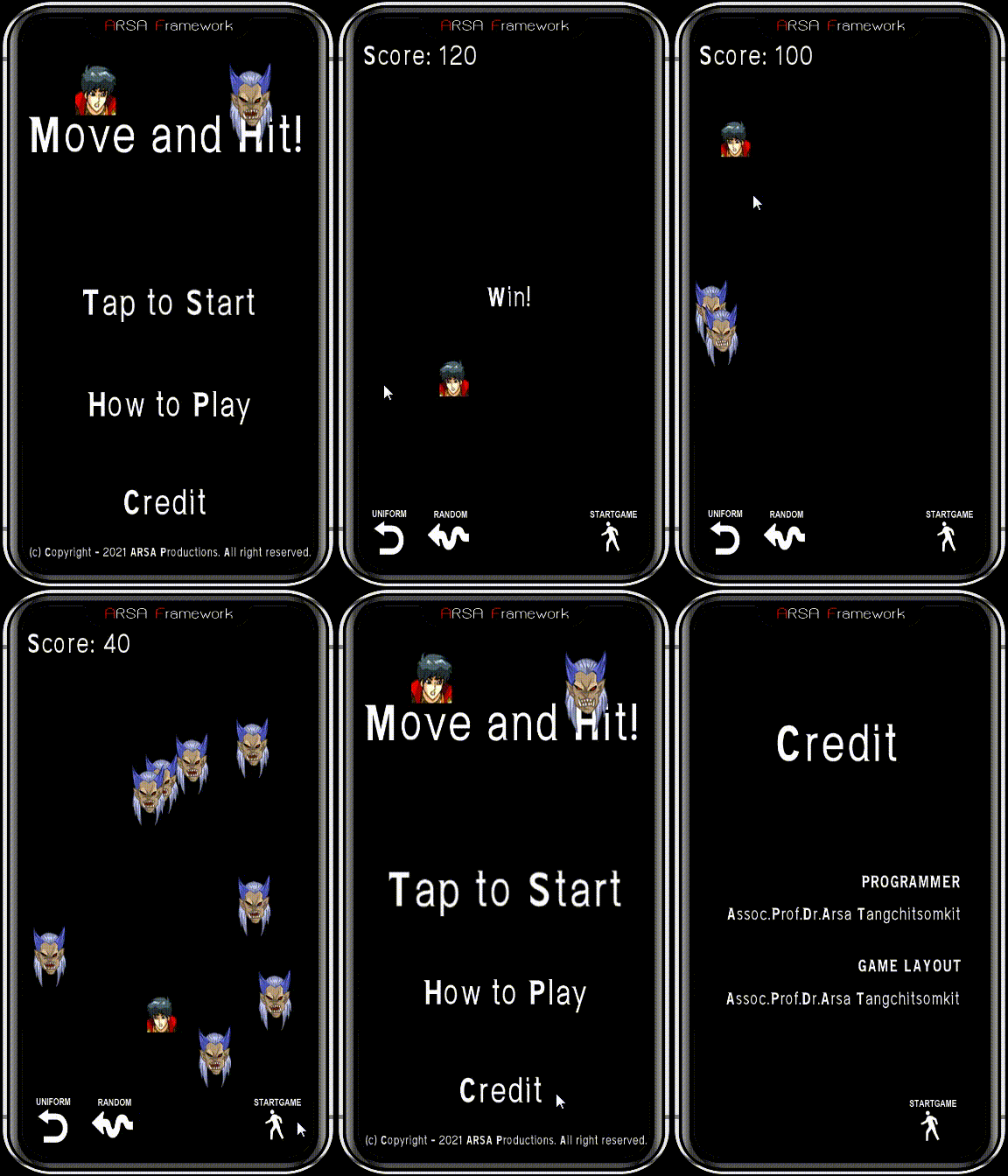
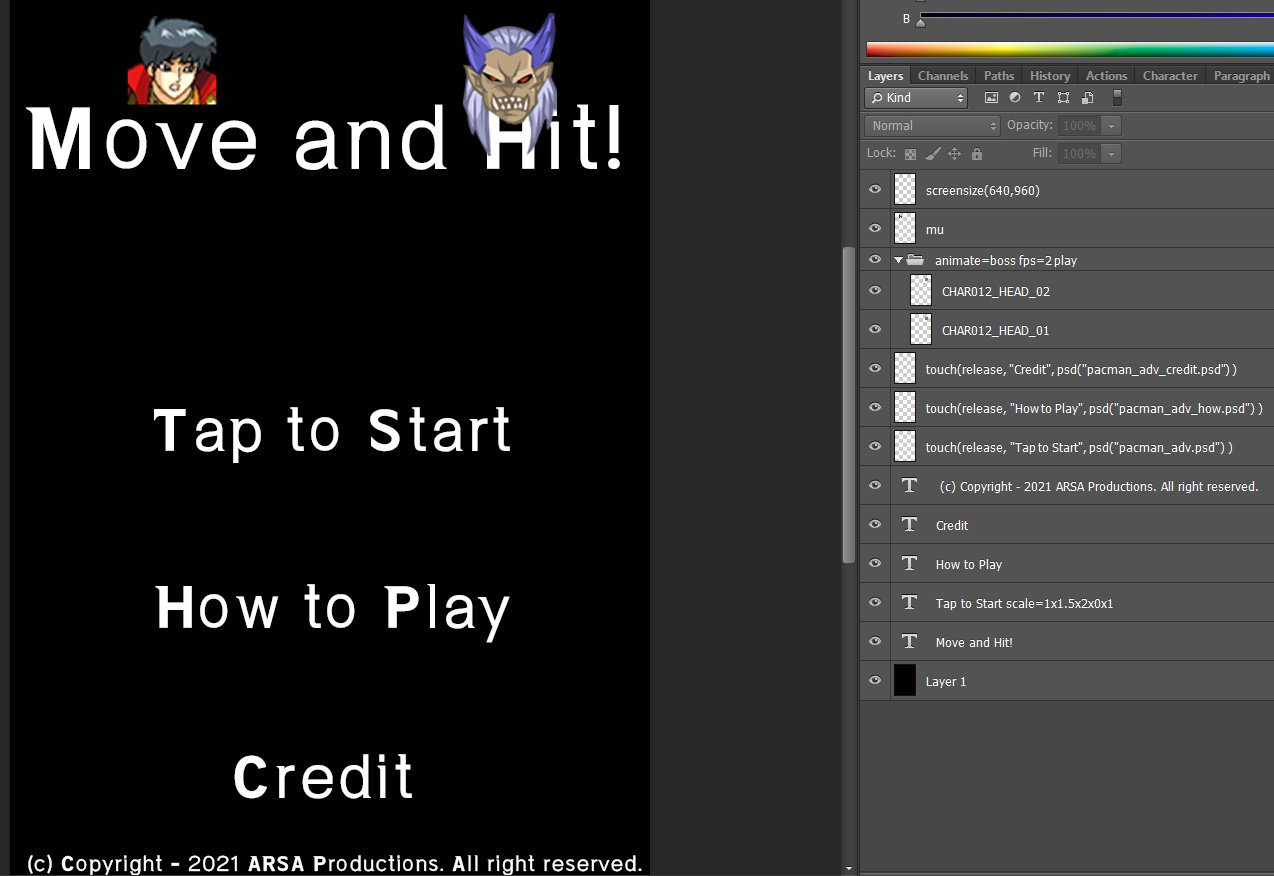
  1. Create a new psd file and give a name is: "pacman_adv_start.psd", and also, adding a game logo, characters icon and button links to Play Game, How to Play and Credit pages.
  2. Add code for link to pacman_adv.psd, pacman_adv_how.psd and pacman_adv_credit.psd
    touch(release, "Tap to Start", psd("pacman_adv.psd") )
    touch(release, "How to Play", psd("pacman_adv_how.psd") )

    touch(release, "Credit", psd("pacman_adv_credit.psd") )
  3. Add icon and code for back to start game button in pacman_adv.psd
touch(release, "startgame", psd("pacman_adv_start.psd") )

7. Win!

  • Win code by checking score >= 120 show text: Win! on screen.
    if($score >= 120) text("TUFont-bold.ttf", 50, 280, 450, "Win!")

8. How to Play Page

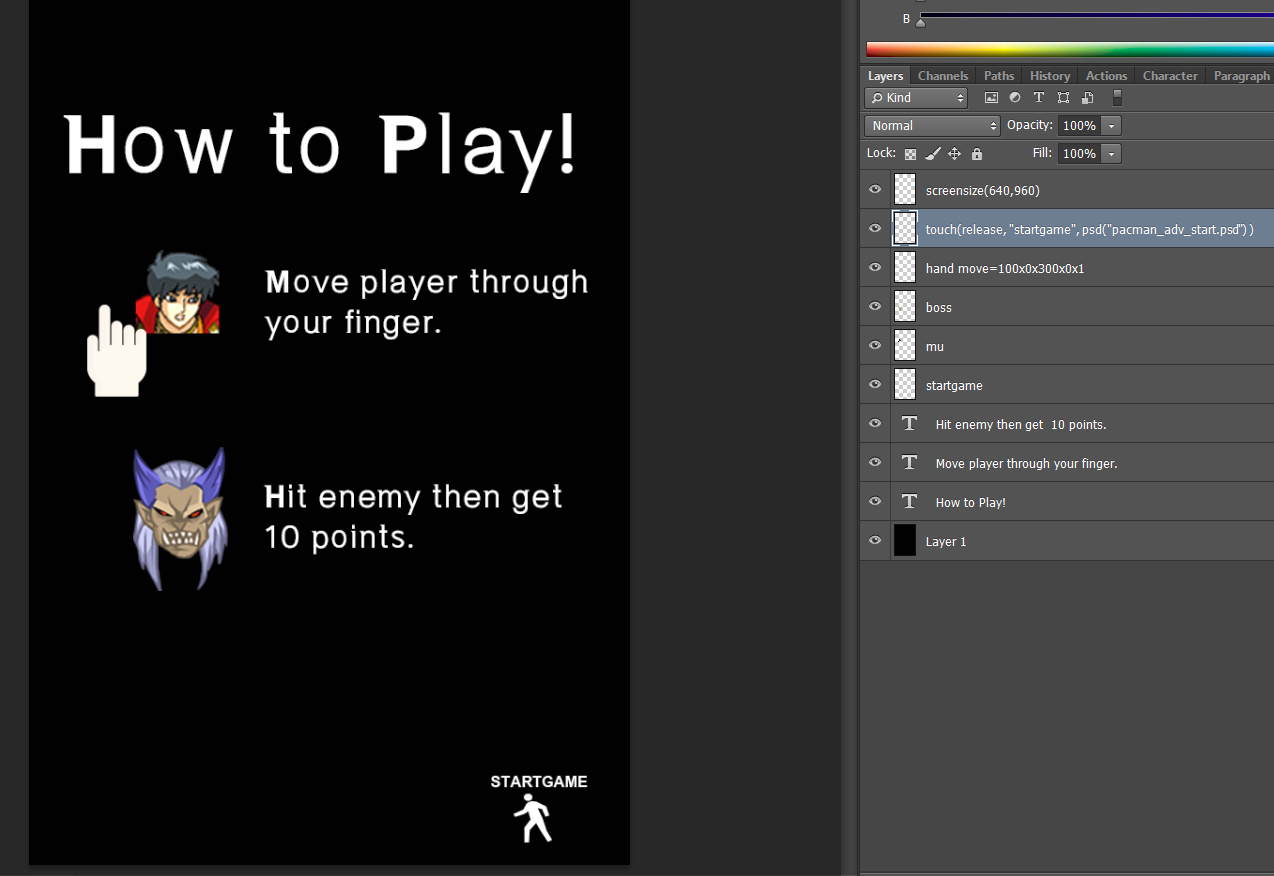
  1. Create a new psd file and give a name is: "pacman_adv_how.psd", and also, show necessary information.
  2. code for back to start game.
    touch(release, "startgame", psd("pacman_adv_start.psd") )

9. Credit Page

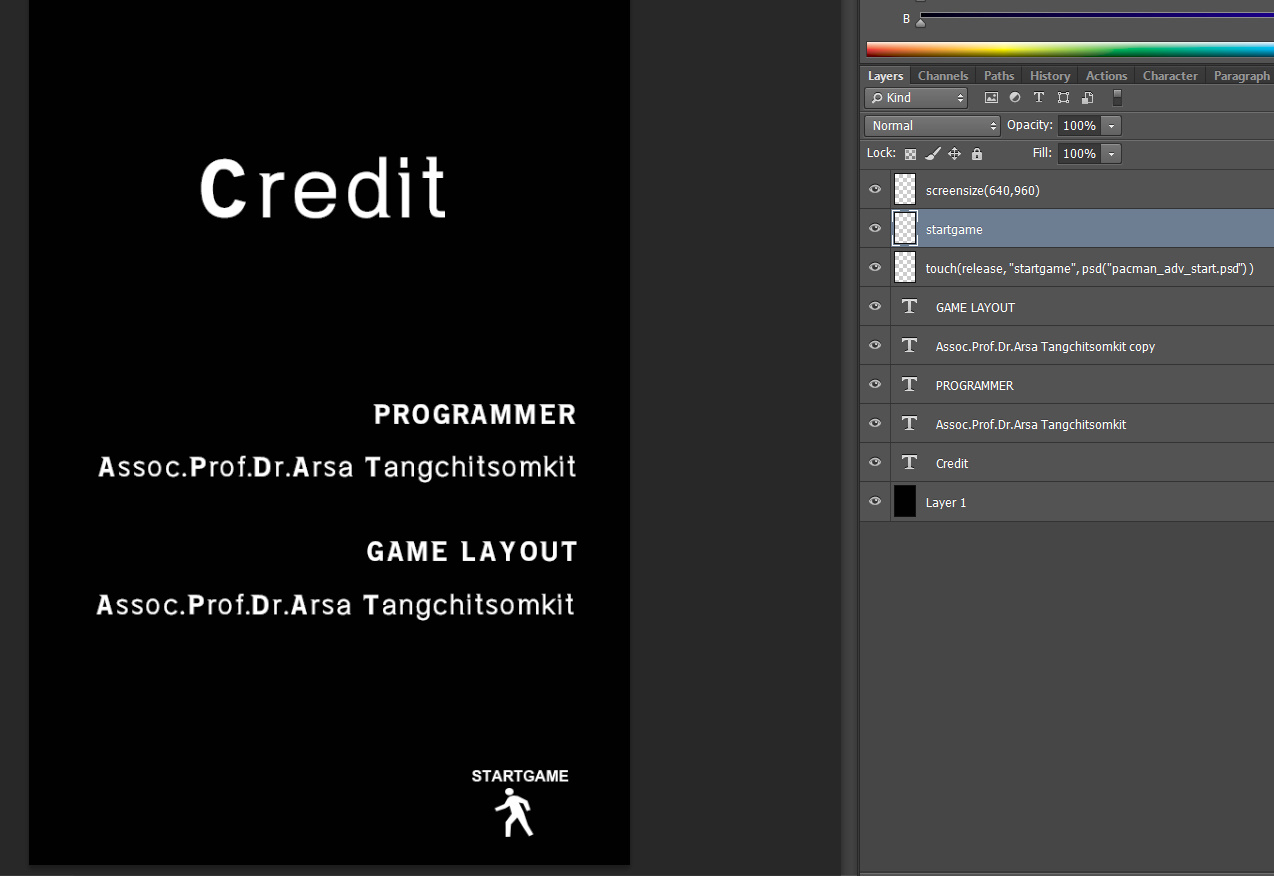
  1. Create a new psd file and give a name is: "pacman_adv_credit.psd", and also, show up creator this game.
  2. code for back to start game.
    touch(release, "startgame", psd("pacman_adv_start.psd") )

10. Conclusion

  • Total psd files:
    1. pacman_adv_start.psd -> start game and link to another page.
    2. pacman_adv.psd -> play a game and include pacman_adv.txt file.
    3. pacman_adv_how.psd -> show hot to play this game.
    4. pacman_adv_credit.psd -> show stuff.
  • Total sourcecode file:
    1. pacman_adv.txt -> control game play in this file.

11. SourceCode

pacman_adv.txt

{
screensize(640,960)
maxsize(0,0,640-72,960-73) // set maxsize for clamp()
int($score,0)
}function(init)
// move player
touch("isleft",proc(move("mu",-500,0)>>setdrawflags("mu","d|h")))
touch("isright",proc(move("mu",500,0)>>setdrawflags("mu","d")))
touch("isup",move("mu",0,-500))
touch("isdown",move("mu",0,500))
// hit
{
visible(false,null)
add($score, 10) // 1 enemy = 10 scores
}function(hit)
hitlayer("mu","boss",function(hit))
// reset uniform 4x3
{
visible(true,null) // visible enemy layer
set($px,$x+($i*$step)) // calculate x pos
set($py,$y+($j*$step)) // calculate y pos
pos(null, $px,$py) // set position from current layer
add($j,1) // add row by 1
if($j>2) proc( add($i,1) >> set($j,0) ) // row > 2 then reset row (j) and go to next column (i)
if($i>3) set($i,0) // column > 3 then reset to 0
}function(enemy_uniform)
// reset random position
{
visible(true,null) // visible enemy layer
set($x,random(0,540)) // random x pos
set($y,random(120,750)) // random y pos
pos(null,$x,$y) // set position from current layer
}function(enemy_random)
{
set($score,0) // reset score
int($i,0) // column enemy, local var
int($j,0) // row enemy, local var
getlayerall( "boss", function(enemy_uniform) )
}function(reset_uniform, $x, $y, $step)
{
set($score,0)
getlayerall(boss, function(enemy_random))
}function(reset_random)
touch(release,reset,function(reset_uniform, 95, 300, 130))
touch(release,random,function(reset_random))
// show score
text("TUFont-bold.ttf", 50, 10, 30, Score: $score)
// show win
if($score >= 120) text("TUFont-bold.ttf", 50, 280, 450, "Win!")
// back to startgame
touch(release, "startgame", psd("pacman_adv_start.psd") )